In today’s professional landscape, Microsoft Excel is more than just a spreadsheet tool; it is a fundamental pillar of productivity. Whether you are a college student managing research data or an office professional automating complex reports, mastering Excel can be a career-defining move.
The best part? You don’t need to spend a fortune on expensive certifications. You can go from a complete beginner to an advanced user from the comfort of your home using high-quality, free resources.
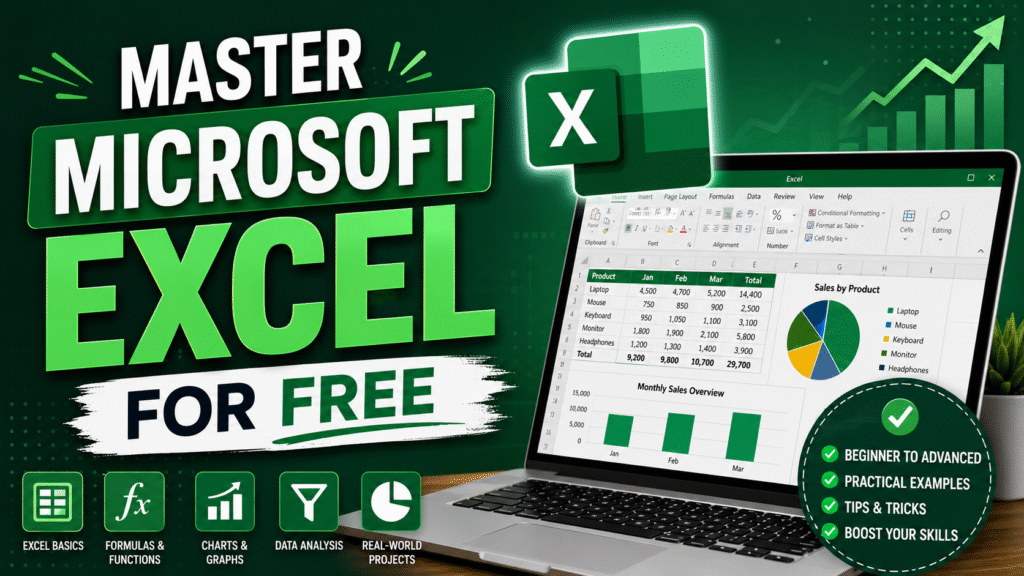
Why Excel Matters
Excel is the universal language of business data. It allows you to:
- Organize and Analyze: Turn chaotic data into clear, actionable insights.
- Automate Tasks: Use formulas and macros to save hours of manual work.
- Boost Employability: Almost every job description in finance, marketing, or administration lists Excel as a “must-have” skill.
Your Free Roadmap to Mastery
To truly master Excel, you need a mix of structured learning, expert guidance, and hands-on practice. Here are four of the best free resources available to help you build your expertise:
| Resource | Platform | Best For | Action Item |
| LearnVern | Website | Structured Video Learning | Enroll in the 7+ hour Hindi course for a step-by-step foundation. |
| TrumpExcel | YouTube | Expert Tutorials | Follow Sumit Bansal (Excel MVP) for regular practice and advanced tips. |
| Excel Practice Online | Website | Interactive Skill Building | Use the live editor to test your knowledge of formulas and functions. |
| Wise Owl | Website | Real-World Projects | Complete their IT training projects to build a professional portfolio. |
How to Start Your Journey
Don’t just watch videos—apply what you learn. Follow these steps to ensure you actually retain the skills:
1.Build the Foundation:1-2 Weeks.
Start with the LearnVern course to understand the interface, basic data entry, and essential functions like SUM, AVERAGE, and IF statements.
2.Practice Daily:Ongoing.
Use Excel Practice Online for 15 minutes every day. Consistency is more important than long, infrequent study sessions.
3.Learn from an MVP:Weekly.
Watch TrumpExcel tutorials to discover “shortcuts” and advanced features like Pivot Tables and VLOOKUP that experts use.
4.Build a Portfolio:Final Stage.
Head over to Wise Owl and complete their real-world projects. Saving these files creates a “Proof of Skill” that you can show potential employers.
Pro Tip: The secret to learning Excel isn’t memorizing formulas; it’s understanding the logic behind them. Always ask yourself, “Is there a faster way to do this?” and look for the answer.
Want to Learn AI Tools? Join my complete course [Click Below Link]
Bundle of 20 AI tools to increase your Productivity and income