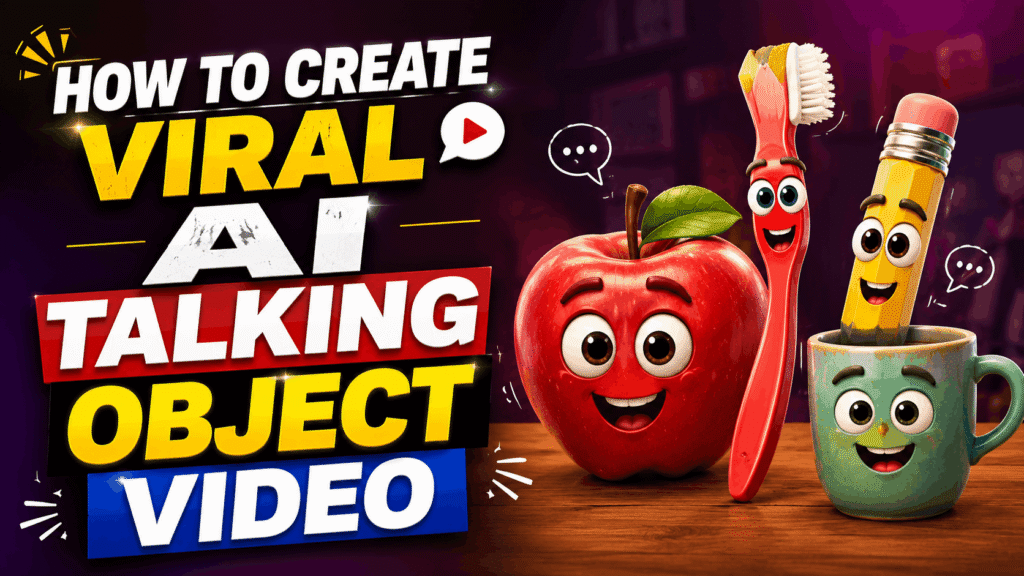
Want to create engaging AI object talking videos where everyday objects appear to talk and tell a story? You can create these videos with just two AI tools. Here’s the complete step-by-step process.
Step 1: Open ChatGPT
First, open ChatGPT and go to Explore GPTs.
In the search bar, search for “Object Talking Hindi.”
Once you open the GPT, simply enter the name of the object you want to create a video about.
For example, if you enter “Banana,” the GPT will generate a complete script and video prompt for you.
You’ll get everything you need, including the object’s dialogue, scene idea, and a ready-to-use prompt for generating the video.
Example
Command:Banana
The GPT will provide a complete talking-object script along with the prompt needed to create the video.
Step 2: Copy the Prompt
Once the GPT generates the complete script and prompt, simply copy the video prompt.
Make sure you copy the final prompt that is specifically designed for AI video generation.
Step 3: Open Google Flow
Now, open Google Flow and start a new video generation project.
Paste the prompt you copied from ChatGPT into the prompt box and click Generate.
Google Flow will then create your AI object talking video based on the prompt.
Step 4: Upload It to Instagram
Once your video is generated, download or save it and upload it to Instagram Reels.
You can create multiple videos using different objects, characters, and topics and post them consistently.
These types of AI-generated talking-object videos are highly engaging and can potentially get millions of views on Instagram when the concept, storytelling, and editing are done well.
So, with just ChatGPT + Google Flow, you can create unique AI object talking videos without needing complicated video-editing skills.