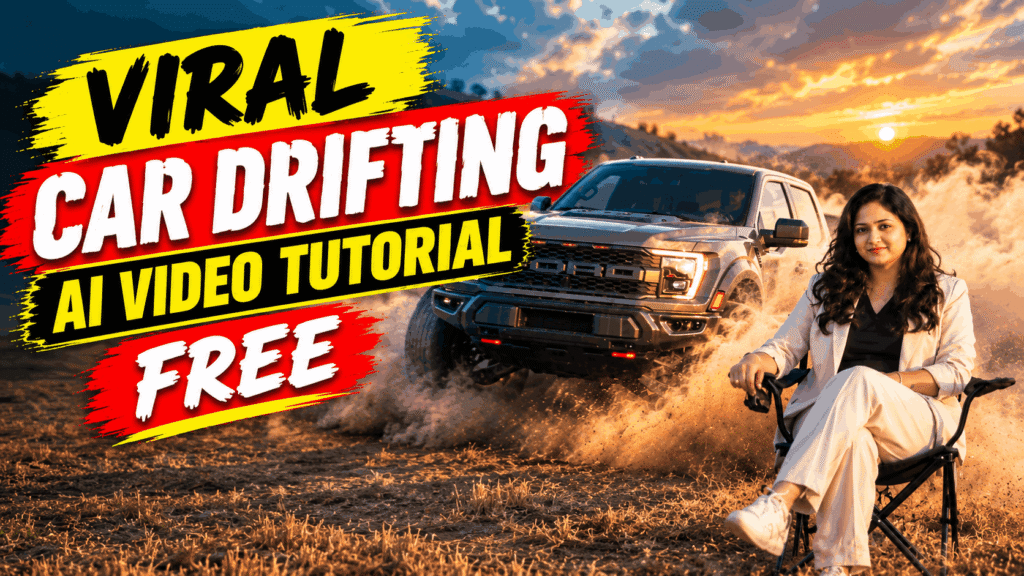
Have you seen those viral Car Drifting AI Videos where a person appears in an exciting drifting scene? Now you can create a similar AI video using your own character image with Google Flow.
The best part is that you can create this effect using a simple video + reference image and an AI prompt.
What You Need
To create this viral Car Drifting AI Video, you only need:
- A Car Drifting video
- Your own character/reference image
- Google Flow
- The AI prompt given below
How to Create Viral Car Drifting AI Video
Step 1: Download the Car Drifting Video
First, download the Car Drifting video that you want to recreate with your own character.
Make sure the video has the main character clearly visible so that the AI can understand the character’s movements.
Step 2: Open Google Flow
Now open Google Flow, Google’s AI filmmaking tool.
Create a new project and upload the downloaded Car Drifting video.
Step 3: Upload Your Reference Image
Next, upload the image of the character you want to add to the video.
Use a clear, high-quality image where the face and overall appearance of the character are clearly visible.
Step 4: Add the AI Prompt
After uploading the video and reference image, paste the following prompt:
Replace the main character in the uploaded video with the character from the uploaded reference image.
Use the reference image strictly as the identity and appearance reference for the new character. Preserve the character’s face, hairstyle, skin tone, body proportions, clothing, and overall visual identity as accurately as possible.
Keep the original video exactly the same in terms of camera movement, framing, composition, background, environment, lighting, shadows, color grading, timing, pacing, and scene dynamics.
The replacement character must follow the exact movements, body position, gestures, facial expressions, eye direction, head movement, and interactions of the original main character throughout the entire video.
Maintain accurate body anatomy, realistic motion, natural facial expressions, consistent identity across every frame, and proper occlusion with objects and other characters.
Do not alter, remove, or regenerate any other character, object, background element, or visual detail in the video.
Only replace the original main character with the character from the reference image. Everything else must remain unchanged.
Step 5: Generate the Video
Now submit the prompt and let Google Flow process the video.
The AI will use your reference image to replace the original main character while keeping the car drifting scene, camera movement, background, lighting, and overall video sequence as close to the original as possible.
Once the generation is complete, preview the result and download your AI-generated Car Drifting Video.
Tips for Better Results
For a more realistic result:
- Use a clear and high-quality reference image.
- Make sure the character’s face is clearly visible.
- Use a video with good lighting and minimal blur.
- Keep the reference character’s clothing visible in the image.
- Use the prompt exactly as provided.
- If the first result isn’t perfect, try generating another version with the same reference image.
Final Result
That’s it! 🚗💨
Using just a Car Drifting video + your reference image + Google Flow + one prompt, you can create a viral-style AI Car Drifting Video with your own character.
Try this tutorial and create your own version of the trend!