AI content creation is evolving rapidly, and one of the most viral trends right now is AI Animal Vlog Videos. These are ultra-realistic cinematic clips where you interact with animals (like a tiger, zebra, or even a panther) inside a realistic environment — all generated using AI.
In this article, you’ll learn exactly how to create these videos in a simple and beginner-friendly way.
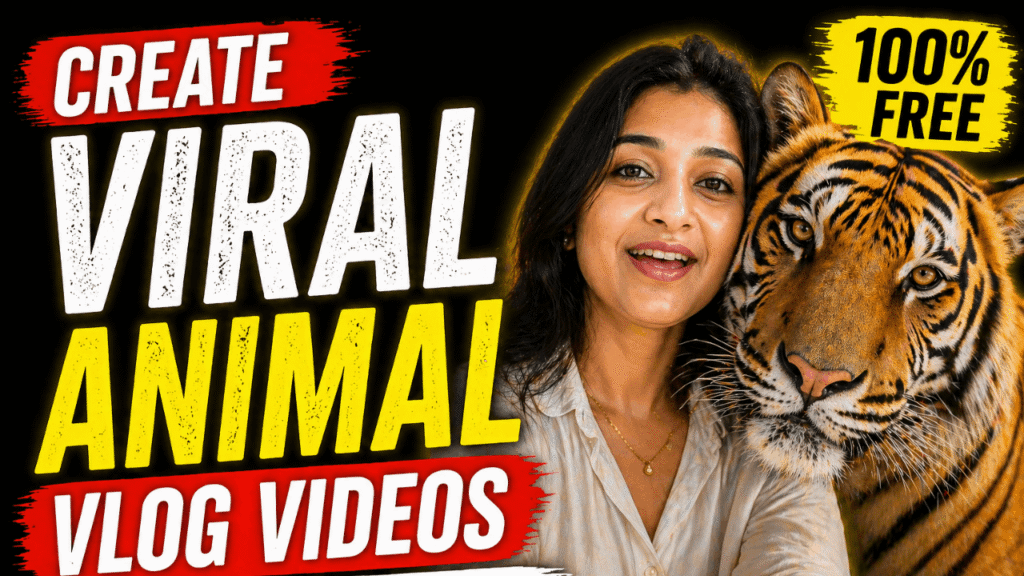
 What is an AI Animal Vlog?
An AI Animal Vlog is a short, realistic video where:
- You (or your character) appear in a scene
- An AI-generated animal interacts with you
- The video feels like a real vlog shot on a phone
These videos look highly cinematic and are perfect for:
- Instagram Reels
- YouTube Shorts
- Viral content pages
 What You Need
Before starting, you need just 2 images:
1. Your Photo
- A clear selfie or portrait
- Good lighting preferred
2. Animal Photo
- Any animal you want (Tiger, Zebra, Panther, Dog, etc.)
- High-quality image for best results
 Step-by-Step Process
Step 1: Open Google Flow
Go to Google Flow (Veo) or the AI tool you’re using.
Step 2: Select “Ingredients” Option
- Choose the “Ingredients” feature
- Upload both images:
- Your image
- Animal image
Step 3: Use the Prompt
Copy and paste the prompt below 
(You can customize dialogue and animal name)
Ultra-realistic 8-second cinematic selfie video of a young woman inside a luxury mansion living room (marble columns, ornate white ceiling, chandelier, grey walls, couch behind).
Front camera, slightly wide lens, handheld with subtle natural motion. Soft daylight from front, warm highlights. Sharp focus on face, shallow depth of field. Background remains identical throughout.
She looks into the camera with a playful smile and softly calls:
"oye mere Kallu... idhar aao..."
A slight pause. From behind the couch, a large black panther-like cat slowly enters frame. Smooth, elegant motion, tail swaying.
She notices, eyes widen slightly, then laughs softly and says:
"apne followers ko hello bolo!"
The animal calmly approaches and gently rubs its head against her cheek. It briefly looks into the camera.
She smiles warmly and says in a soft tone:
"Good boy..."
End with a natural laugh and subtle camera shake.
Style: cinematic realism, natural skin tones, detailed black fur, soft shadows, stable face, no flicker, smooth motion, emotional expression focus. Customization Tips
You can easily modify:
- Animal type → Tiger, Lion, Dog, etc.
- Animal name → Change “Kallu” to anything
- Dialogue → Add your own style (Hindi/English mix works great)
- Location → Mansion, bedroom, outdoor, cafe
 Final Output
Once you click Generate, your AI will create:
- An 8-second cinematic video
- Realistic interaction between you and the animal
- Smooth, natural motion like a real vlog
 Why This Trend is Viral
- Feels real but surprising
- Combines emotion + creativity
- Perfect for short-form content
- High engagement & shareability
Want to Learn AI Tools? Join my complete course [Click Below Link]
Bundle of 20 AI tools to increase your Productivity and income